
Where to Play Happy Wheels: Official Entry Points
Where to play Happy Wheels: the two official entry points, what third-party portals give you, what each channel contains, and how to choose between them.
To play Happy Wheels, the official answer comes down to two directions: the browser version at totaljerkface.com, and the official app from the App Store or Google Play. The Fancy Force homepage is essentially a signpost: the browser button points at totaljerkface.com, and the other two point at Android and iOS. The official about page is even more absolute about it: “The full version of the game Happy Wheels can only be played at Totaljerkface.com”.
The official entry points
| Entry point | Address | What you get |
|---|---|---|
| Browser, complete version | totaljerkface.com | Free play, level editor, 5 million+ user levels, accounts and replays |
| Fancy Force homepage | fancyforce.com | The official signpost, plus mobile downloads and the mobile support site |
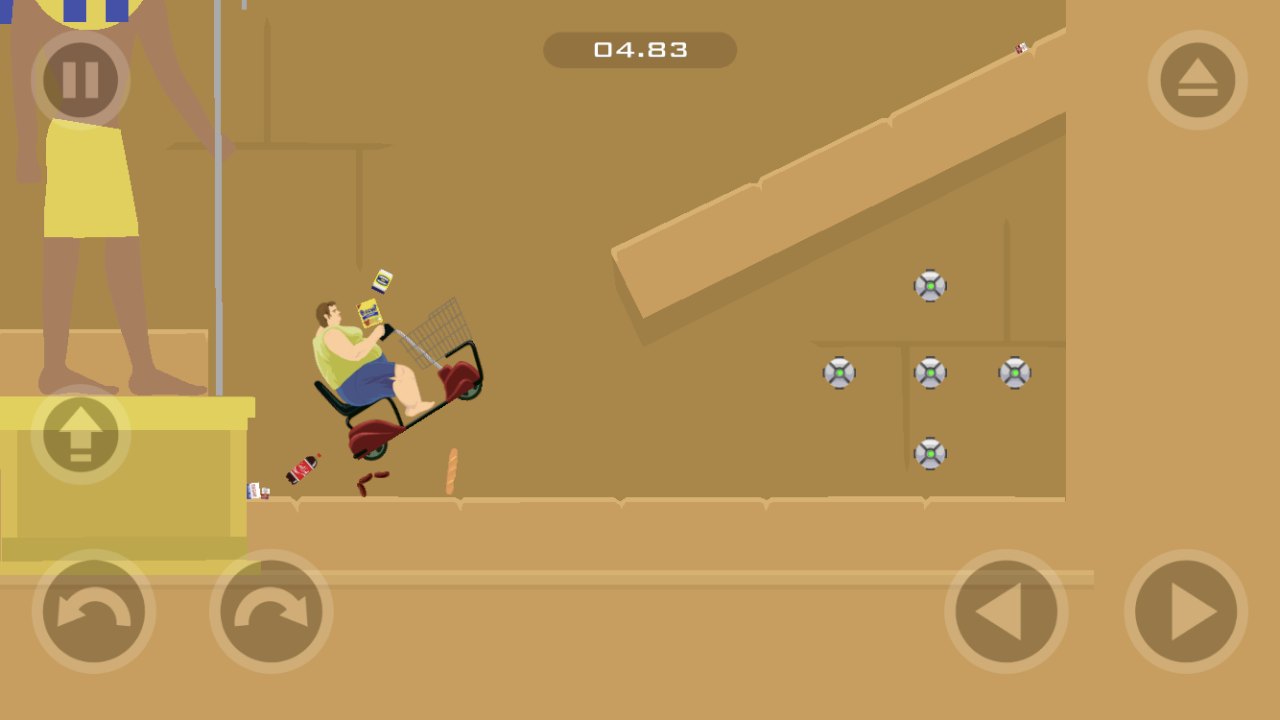
| iOS | Happy Wheels on the App Store | Free with in-app purchases, 60+ levels, level editor documented |
| Android | Happy Wheels on Google Play | Free download, 60+ levels, no editor mentioned |
| Steam | Happy Wheels, planned for 21 September 2026 | Once unlocked: full editor, no ads, controller support |
Where third-party portals stand
Portals like Poki and CrazyGames do open and play immediately, but they never appear in any list the developer recommends, and we have not found any licensing statement either way. So the accurate phrasing is “the developer has never mentioned them, licensing unknown”. It would be wrong to call them illegal on the developer’s behalf, and equally wrong to say they are authorised.
What matters more is the feature gap. Those versions generally do not include the level editor or the 5 million-plus user level library. If you only want two minutes of play during a break, that makes no difference. If you want to play other people’s levels, or build your own, go back to the official entry points.
The many “unblocked” mirrors in search results are mostly unofficial copies, with the copyright and security questions that come with them. We do not recommend specific sites, and “it opens” is not a reason to trust one.
Choosing by what you want
- Just want to try it for two minutes: open totaljerkface.com. Free, no sign-up.
- Want user levels and the editor: desktop, so the browser version or Steam once it unlocks.
- Want it on a phone: the official store app, not an installer from a third-party site.
- Stuck behind a school or work network: the developer provides no special entry for that. Changing networks or switching to the official mobile app works; unauthorised mirrors are not a fix.
The full picture on whether the game is still playable is in Is it still playable?. Steam features and price status are on the Steam page. Mobile differences are in the mobile comparison.